
No products in the cart.
What to Gather Before Contacting WAXMAN Product Support
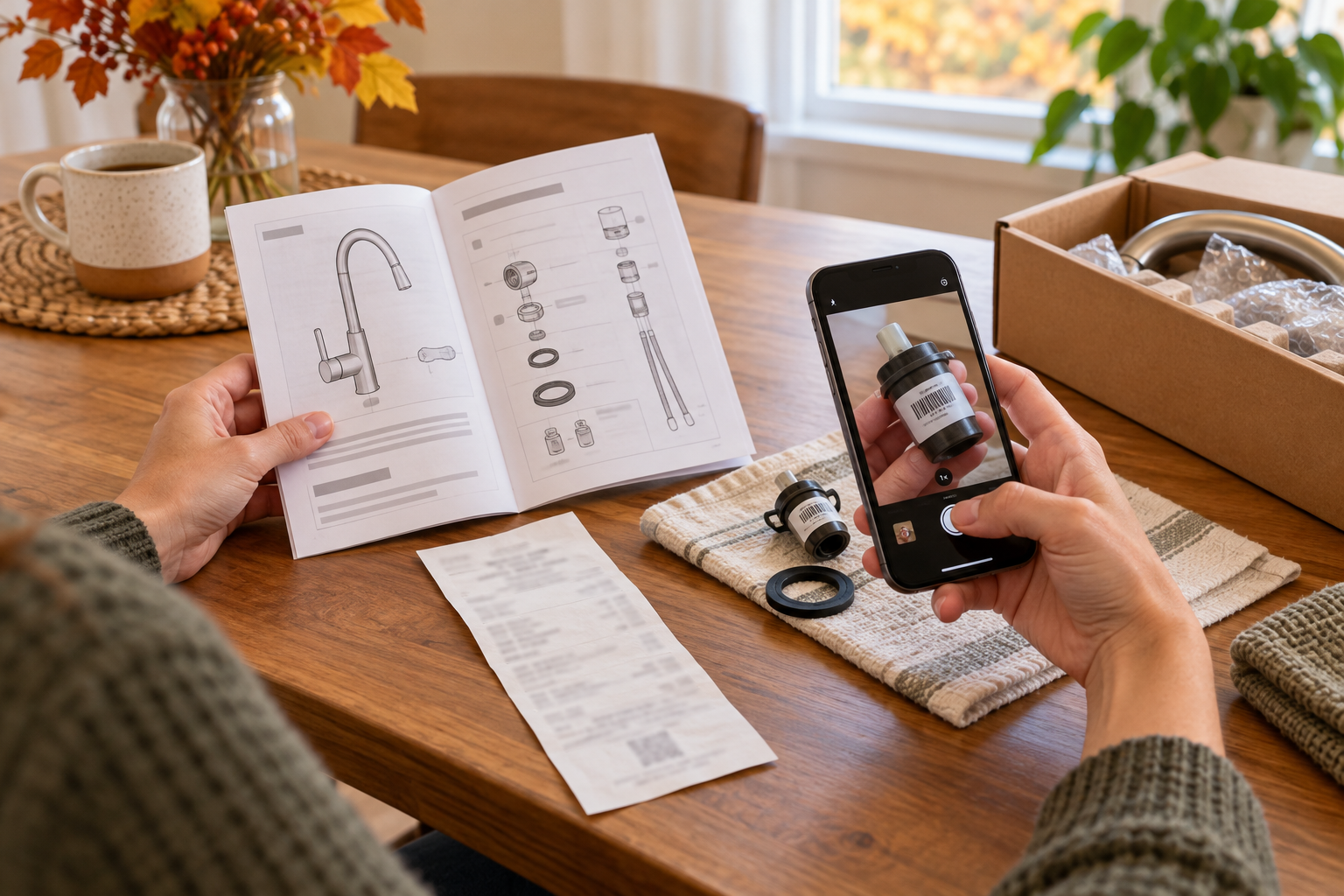
AI-generated illustrative image; not a photograph of a WAXMAN product or a repair procedure.
Before contacting WAXMAN about an assembly question, missing part, or product concern, gather a small, clear record: proof of purchase or order number, the product name and model or item number if available, purchase date and retailer, a short description of what happened, and a few useful photos. This helps support identify which product and instructions apply. It does not guarantee warranty coverage, a replacement, or a particular outcome; those depend on the product and applicable purchase documents.
WAXMAN’s product support page, updated October 16, 2026, asks customers to include order or purchase details, product identification, when the issue began, and relevant photos such as the product label and affected part. The company says to stop using an item if the issue could affect safe use and not to test suspected damage under load or improvise a repair. Use the instructions supplied with your item and ask support for guidance before shipping a product or part.
Start with the product identity
Look for the product name, model, item number, or other identification on the item, packaging, instruction booklet, or order confirmation. Record the wording as shown rather than guessing from appearance. If a label is damaged or missing, say that in your message and attach a clear photo of the area where it would normally appear. Do not disassemble an item just to find a label.
For a purchase made online, keep the confirmation email or order record available. For a store purchase, a receipt or other proof of purchase may help. Note the retailer and approximate purchase date. If you cannot locate one detail, do not delay a safety-related report; explain what you do and do not know.
Describe the issue in a short timeline
Write down when you first noticed the problem and what happened immediately before it. Include only details that help identify the condition: for example, whether the item was being assembled, whether a part was missing when the package was opened, or whether a concern appeared during ordinary use. For an assembly question, name the instruction step and part number, if the manual provides them.
Separate what you observed from what you suspect. “The handle moves when turned” is more useful than diagnosing a cartridge or internal failure without evidence. Avoid promising that a product is defective, or that a particular repair will fix it, before the issue has been assessed. If the condition changes, update your notes with the date rather than replacing the original description.
Take photos that answer a question
Use good light and take a wide photo showing where the affected part sits, then a closer photo of the part or label. Keep the camera steady and include enough surrounding context to show orientation. For a missing-part or assembly concern, photograph the relevant instruction page and the parts you received, laid out safely. Do not include unrelated people, private mail, payment-card details, passwords, or account screens.
Photos document what you saw; they do not prove the cause of a problem. Do not recreate a leak, electrical fault, instability, or other unsafe condition to obtain a better picture. If taking a photo would require operating or moving a potentially unsafe item, leave it alone and describe why the photo is unavailable.
Keep the message focused and private
WAXMAN’s support page asks customers to email support@waxmanusa.com with the subject “Warranty / Product Support.” It lists a phone number, 626-702-0966, and a contact page as other ways to reach the company. Send only information relevant to identifying the purchase and issue. Do not send full payment-card numbers, security codes, account passwords, or bank-login information.
A concise first message can include: product name and model or item number; order number or proof of purchase; purchase date and retailer; what happened and when; the instruction step or part number if applicable; and attached photos of the label and affected area. Ask what next step is appropriate. Avoid sending the same request repeatedly while waiting for a reply; keep the correspondence together so you can provide the thread if follow-up is needed.
Pause use when safety may be involved
If a product appears unstable, damaged in a way that could affect safe use, or behaves unexpectedly, stop using it until the concern has been assessed. Do not test it under load, force a stuck connection, or improvise a repair. Keep relevant packaging, instructions, and purchase records. The support page says to ask for the appropriate instructions before shipping a product or part; its listed business address should not be assumed to be a return or warranty destination.
For shipping or return questions, use WAXMAN’s current Shipping & Returns information and contact the company before sending anything. That page describes different terms for different situations, so check the current instructions for your order rather than assuming that a support email automatically authorizes a return or shipment.
What to expect after you contact support
A support request is a request for review, not confirmation that a warranty applies or that an item will be repaired, replaced, or refunded. WAXMAN says applicable coverage depends on the product and the terms supplied with it. Keep your order record, photos, sent message, reply, and any tracking information if the company later instructs you to ship an item. Do not send a product to the company’s business address unless support specifically directs you to do so.
Product support page: WAXMAN Warranty & Product Support (checked October 22, 2026). Policies and contact details can change; confirm the current instructions on the official site. This guide helps organize a request and is not a warranty decision or a repair diagnosis.
Leave a Reply